KeyOverlay v0.2.0 – Windows Preview Release
KeyOverlay is a lightweight Windows utility that displays keyboard presses, mouse clicks, scrolling activity, and cursor highlights in real time. Version 0.2.0 introduces a customizable interface, improved positioning controls, optional keystroke sounds, and several performance and reliability improvements.
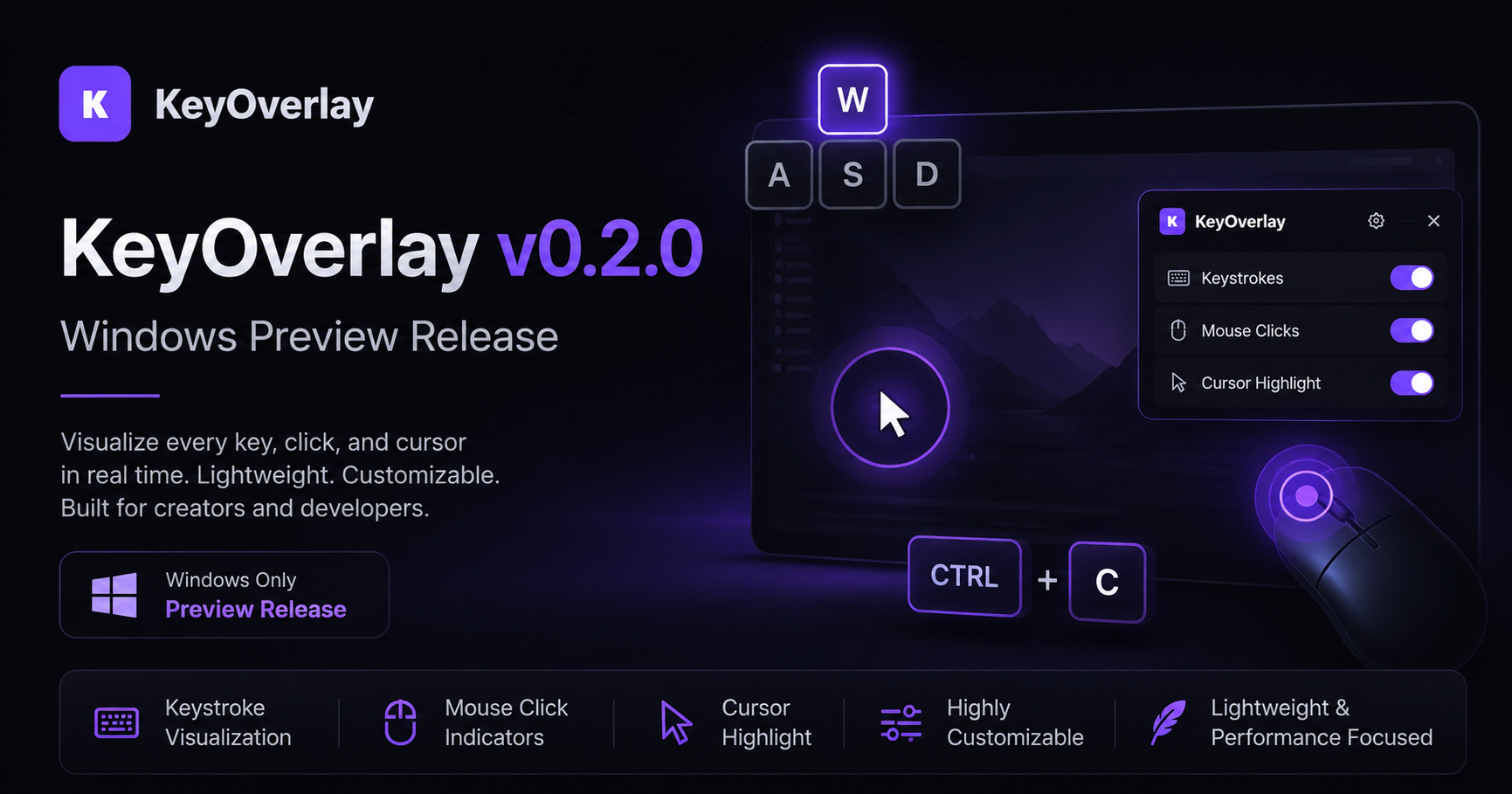
KeyOverlay v0.2.0 is now available as an early Windows preview release.
KeyOverlay is a lightweight desktop utility designed to make keyboard and mouse input easier to follow during classroom demonstrations, software tutorials, presentations, livestreams, and screen recordings.
The application displays keyboard shortcuts, mouse clicks, scrolling activity, and cursor movement in a clean floating overlay. This makes it easier for viewers to understand exactly what is happening on screen without interrupting the presentation.
What KeyOverlay Can Display
KeyOverlay can visualize:
- Keyboard presses and modifier combinations
- Left, middle, and right mouse clicks
- Mouse-wheel scrolling
- A customizable cursor highlight
- Animated click feedback
- Optional keystroke sound effects
The overlay can be positioned in several areas of the screen or placed manually using adjustable X and Y coordinates.
Customizable Appearance
KeyOverlay includes several options for adapting the overlay to different presentations and recording environments.
You can adjust:
- Dark, light, and custom colour themes
- Font size and overlay scale
- Background and content opacity
- Display duration and fade timing
- Overlay width, height, and margins
- Horizontal or vertical layouts
- Cursor colour, size, thickness, opacity, and glow
The application also includes several cursor themes, including green, blue, red, yellow, purple, and white variations.
New in Version 0.2.0
This release includes a number of improvements to usability, performance, and reliability:
- Improved keyboard and mouse event processing
- Reduced unnecessary background processing
- More reliable settings persistence
- Atomic configuration-file saving
- Improved support for older or incomplete configuration files
- Better multi-monitor positioning support
- Embedded application icons and sound assets
- Improved Windows release behaviour
- Expanded automated testing
- Improved build and continuous-integration checks
Several interface and display issues have also been corrected, including cursor-ring positioning, click-animation artifacts, duplicated mouse-click labels, keystroke sound activation, and the main overlay ON/OFF control.
Download and Run
KeyOverlay is currently available as a portable Windows executable.
- Download
KeyOverlay-v0.2.0-Windows-x64.exefrom the GitHub release page. - Double-click the downloaded file.
- Configure the overlay through the KeyOverlay settings window.
No traditional installation process is required.
Because this is an early preview release and the application is not currently digitally signed, Windows may display an unknown publisher or security warning when it is first opened.
Preview Release
KeyOverlay v0.2.0 is still under active development. Additional testing may be required across different Windows systems, display-scaling settings, and multi-monitor arrangements.
Feedback, bug reports, and feature suggestions are welcome through the GitHub Issues page.
Download KeyOverlay v0.2.0:
https://github.com/dshepstone/keyoverlay/releases/tag/v0.2.0
View the project:
https://github.com/dshepstone/keyoverlay