KeyOverlay 0.3.0: A Proper Windows Installer
KeyOverlay 0.3.0 adds a standard Windows setup wizard with Start menu shortcuts, an uninstaller, and a single zip download that includes an install guide and the MIT license.
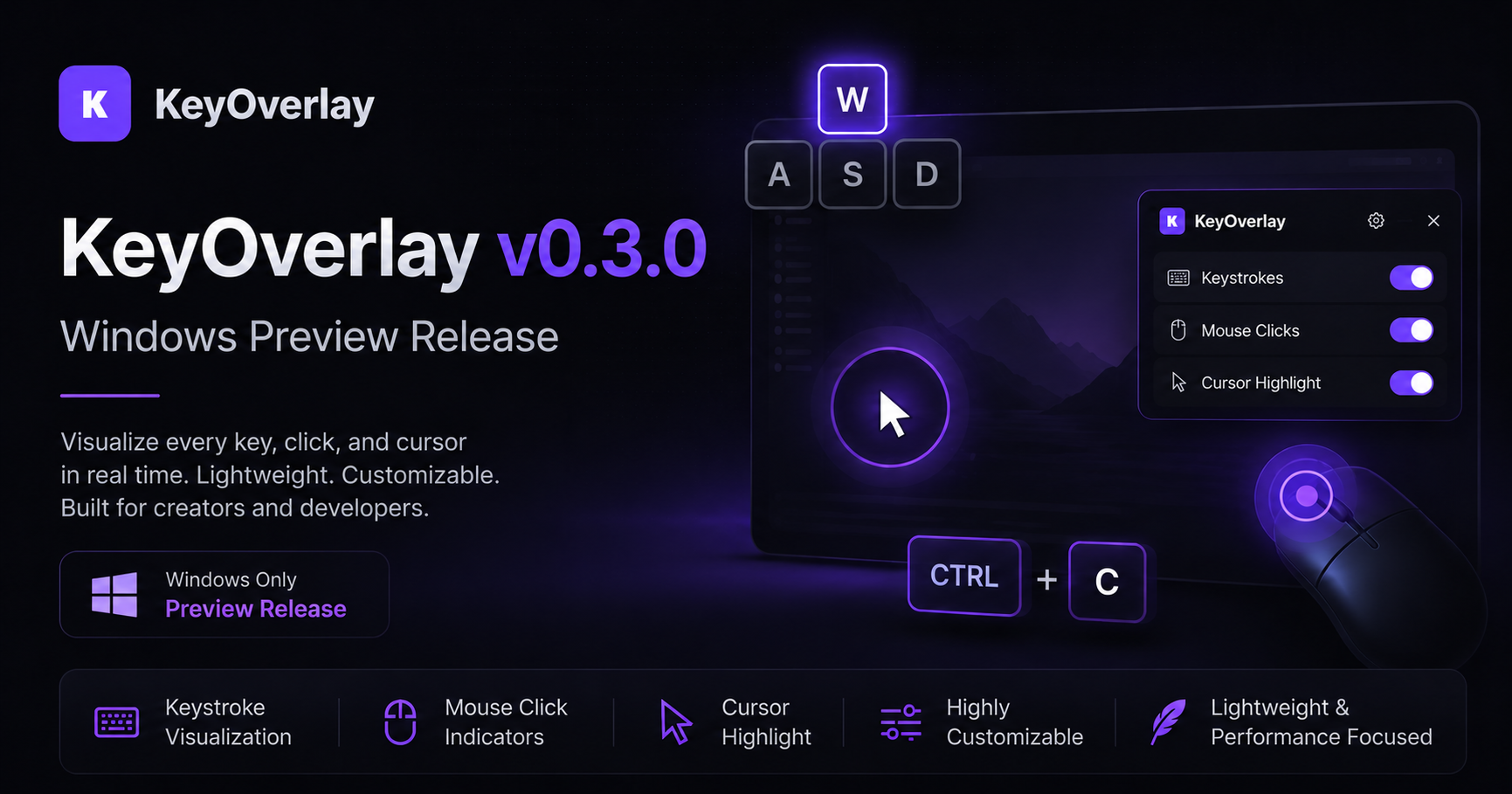
KeyOverlay 0.3.0 is out now. The headline change is how you get it onto your machine. Earlier releases were a single program file you had to keep somewhere yourself. KeyOverlay now installs like any other Windows application.
What’s new
- Setup wizard. Installs for your user account by default, with no administrator rights needed, or for everyone on the computer if you choose.
- Start menu shortcuts. KeyOverlay, the project website, and an uninstaller all appear in the Start menu.
- Optional extras. Tick a box for a desktop shortcut, or to start KeyOverlay automatically when you sign in to Windows.
- Clean uninstall. Remove it from Settings → Apps like any other program. Your settings are kept, so a reinstall picks up where you left off.
- One tidy download. The release is a single zip containing the installer, an
INSTALL.txtguide, and the MIT license.
Install
- Download KeyOverlay-0.3.0-Windows-x64.zip.
- Right-click the zip and choose Extract All…
- Double-click KeyOverlay-Setup-0.3.0-x64.exe and follow the wizard.
- Launch KeyOverlay from the Start menu.
The installer is not yet code-signed, so Windows SmartScreen may show “Windows protected your PC”. Click More info → Run anyway.
Upgrading from 0.2.0
Version 0.2.0 was a standalone program file, so there is nothing to uninstall. Delete the old .exe if you like and run the new installer. Your existing settings are picked up automatically.
Requirements
- Windows 10 or Windows 11 (64-bit)
Open source
KeyOverlay is free and open source under the MIT License. Feedback, bug reports, and feature suggestions are welcome on the GitHub Issues page.
Download KeyOverlay 0.3.0: https://github.com/dshepstone/keyoverlay/releases/download/v0.3.0/KeyOverlay-0.3.0-Windows-x64.zip
Release notes: https://github.com/dshepstone/keyoverlay/releases/tag/v0.3.0
View the project: https://github.com/dshepstone/keyoverlay